YOUR NEXT STOREFRONT
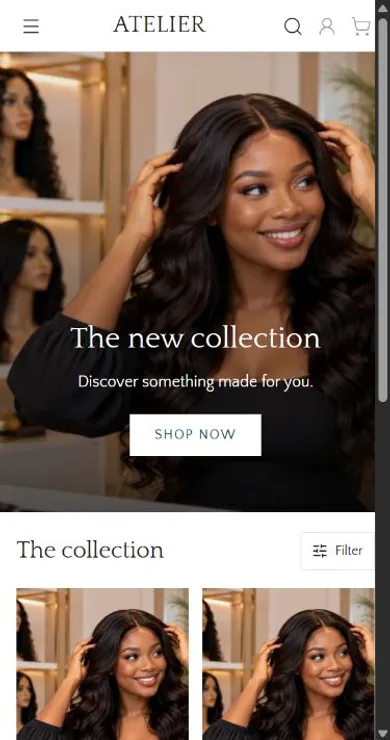
Atelier
01You don’t have to keep sending product pictures one by one. Give your customers one link where they can see what you sell, add it to their cart and place an order.
Let me create my store Start with an account. Upgrade to Pro when you’re ready to publish.Different styles. The same simple way to get your business online.
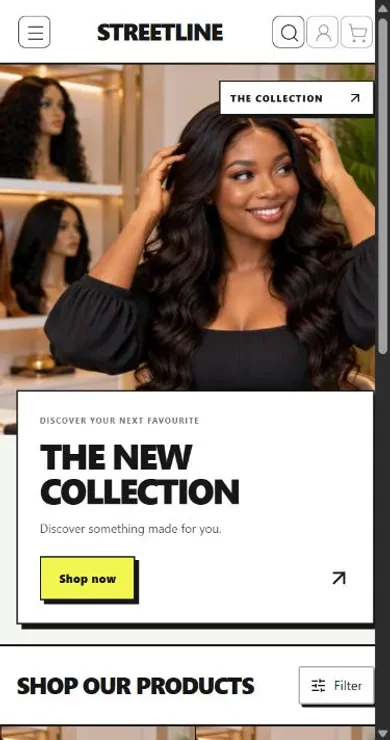
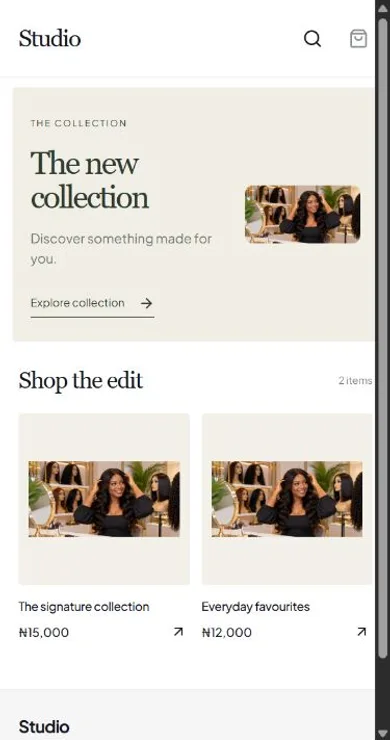
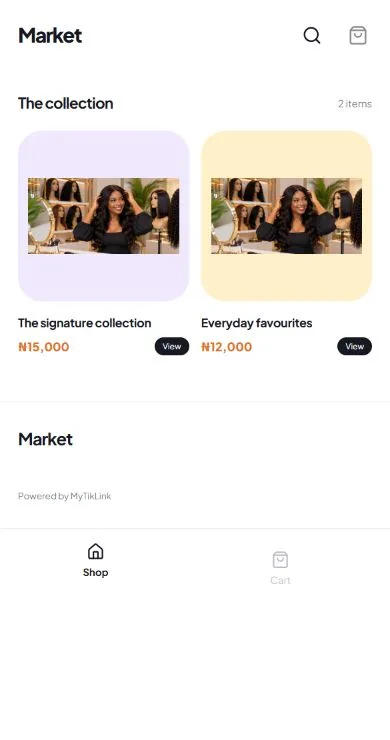
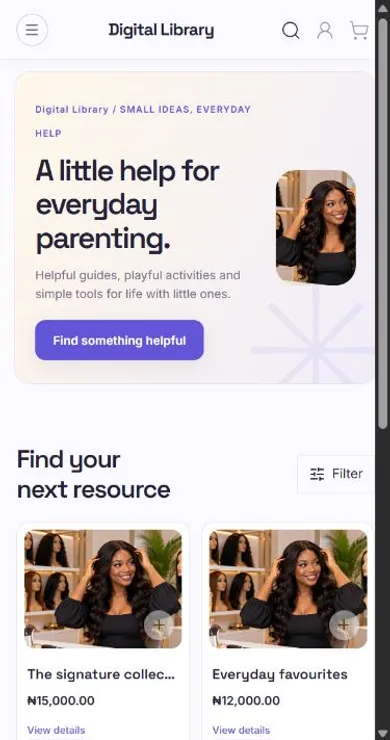
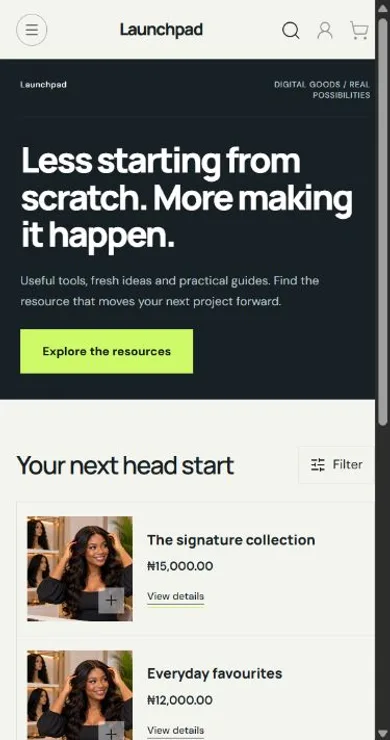
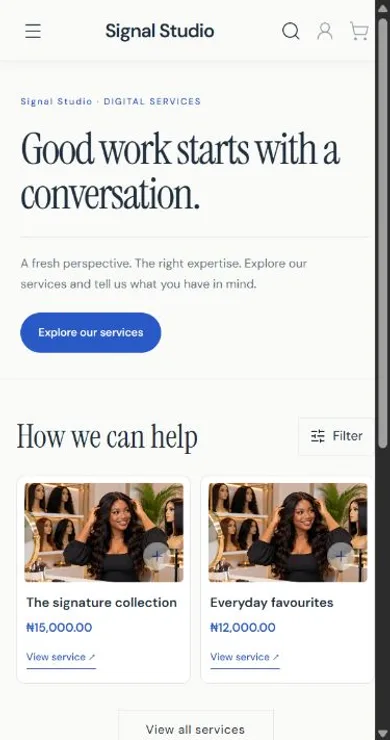
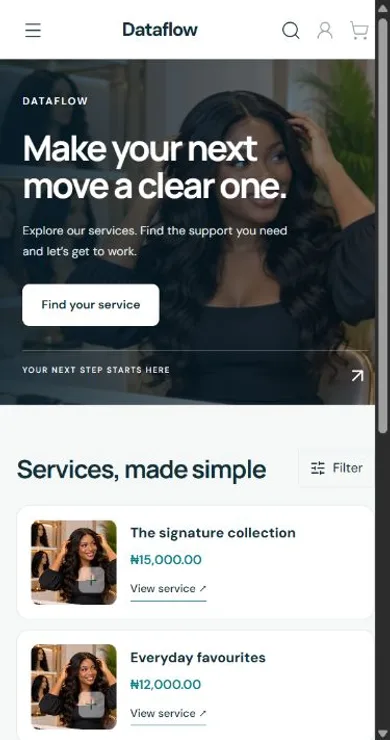
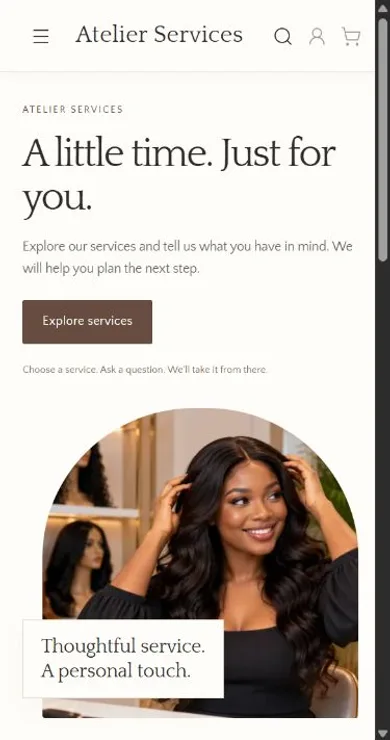
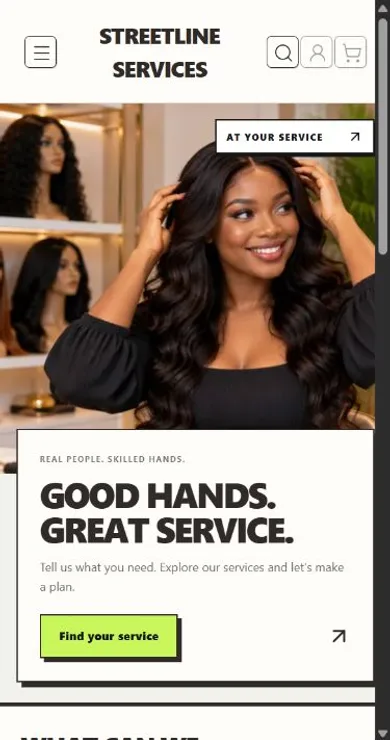
Swipe to explore · Existing MyTikLink store designs
1 / 10Choose a store design, add your logo and colours, and make it look like your business.
Show your products, let customers build a cart, and guide them through checkout.
Set up the product types and payment options your business needs.
Start with your first product. You can keep building your store as your business grows.
Okay, let’s startRegister on MyTikLink.
Set up your account and upgrade to Pro.
Choose a store design and add your products.
Make it yours, publish and share your store.
No. Choose a template and use the editor to change your content, pictures and design.
Yes. Publishing your store requires eligible Pro access. You’ll see the current price and payment options before paying.
Yes. Add your products, update your brand details and customise the store design to suit your business.
Your products. Your brand. One link to bring it together.
Register on MyTikLink