YOUR NEXT LANDING PAGE
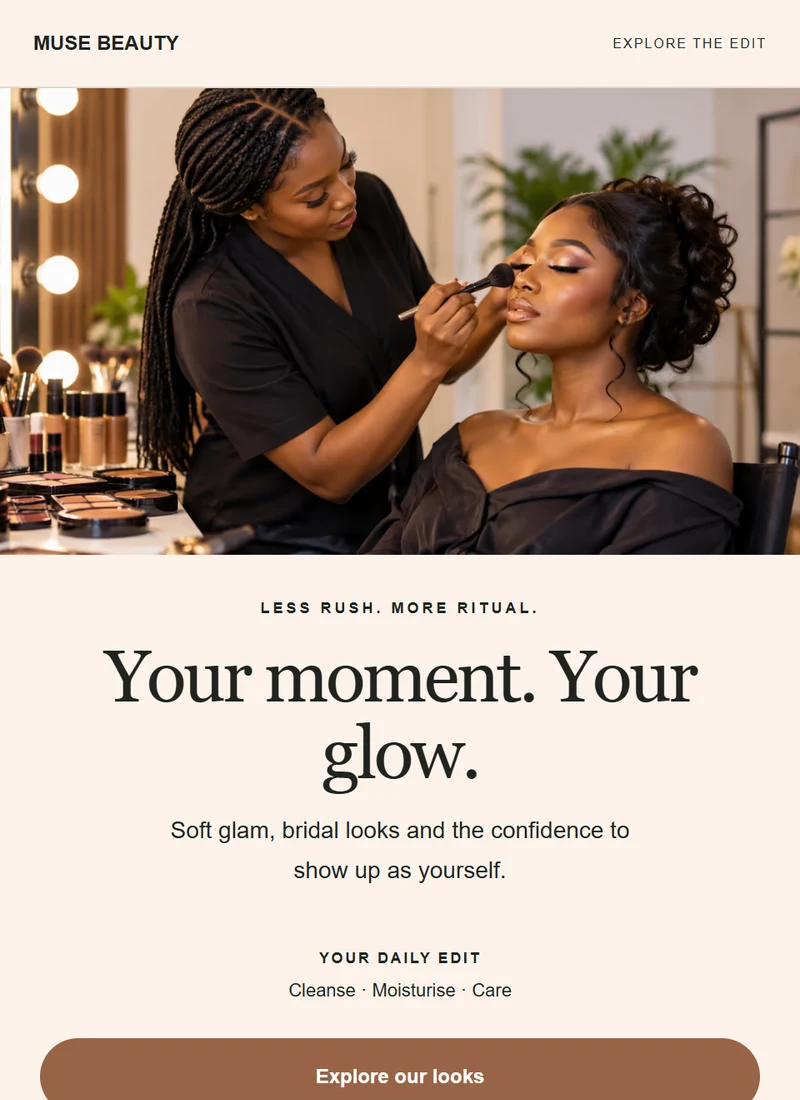
Makeup
01You don’t need to start from scratch. Pick a design you like, put your own words and pictures inside, and give people one clear place to take the next step with you.
I want my own page Start with an account. Upgrade to Pro when you’re ready to publish.Makeup, food, tech, services—there’s room for your own thing here.
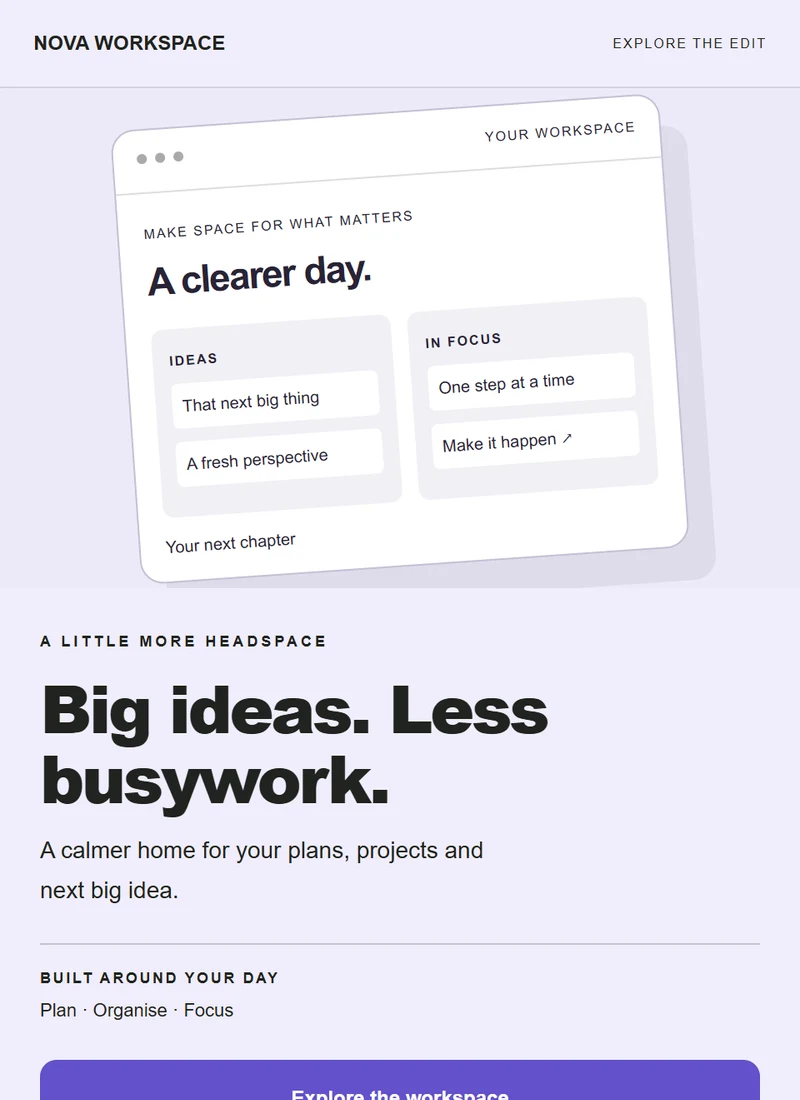
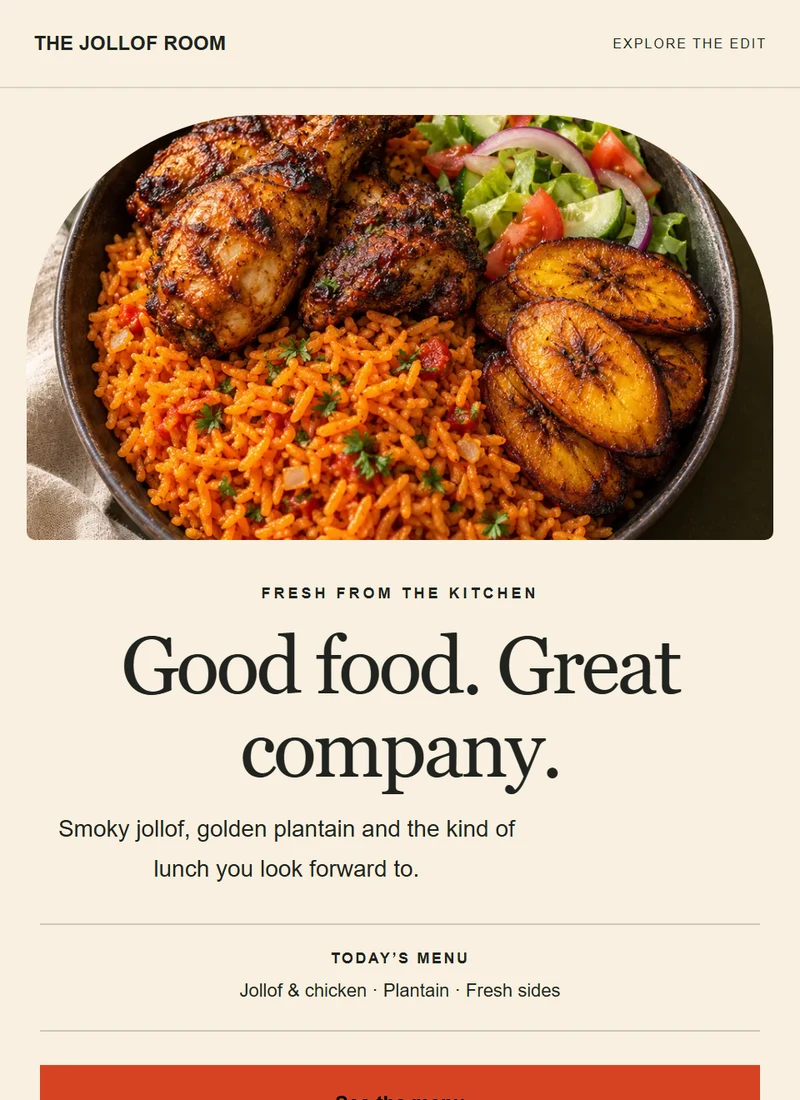
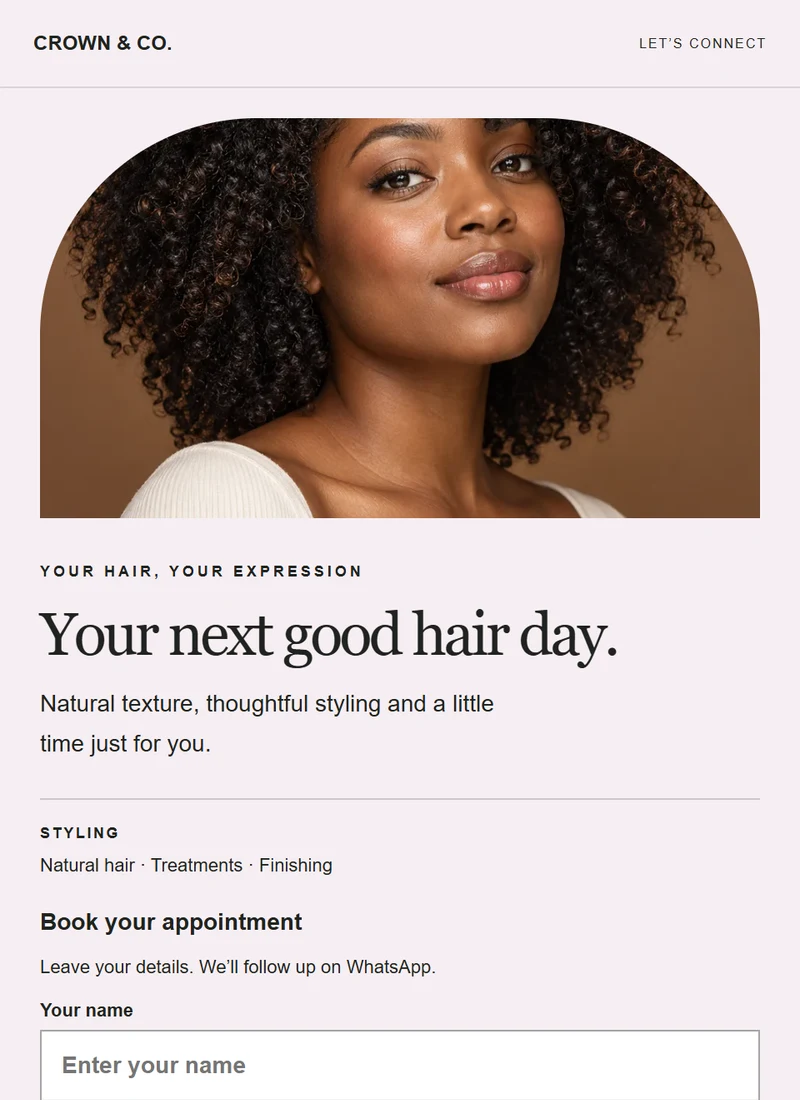
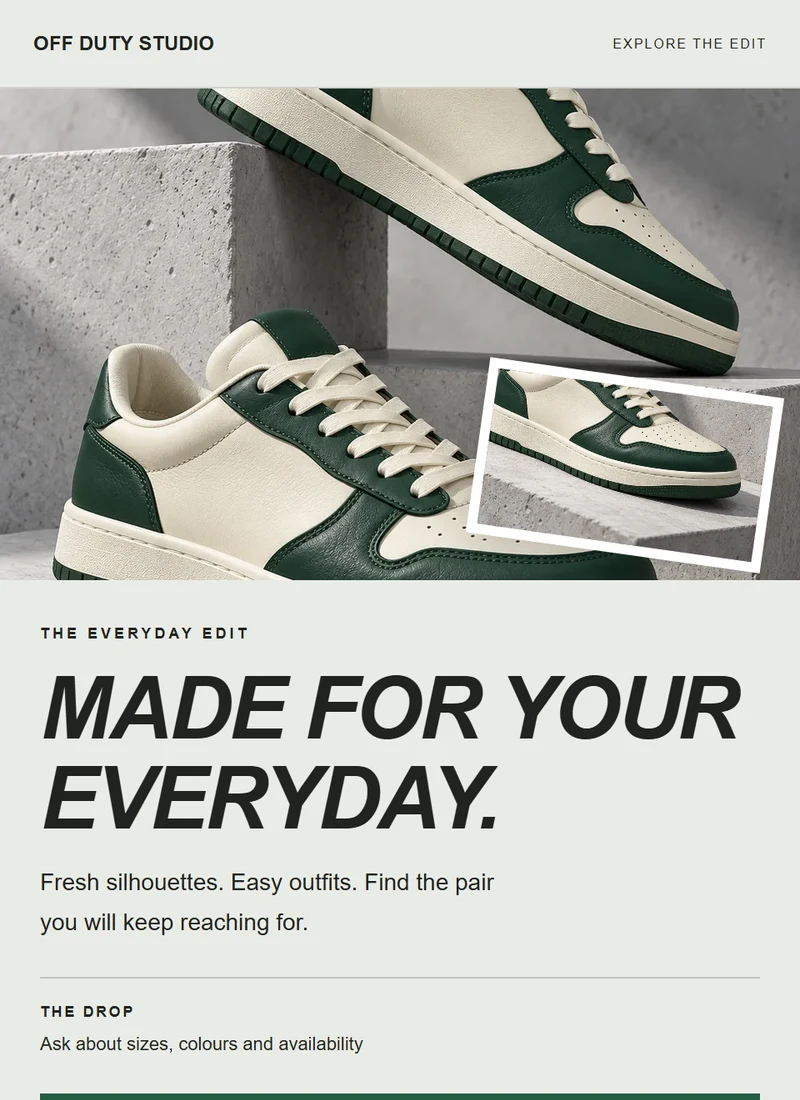
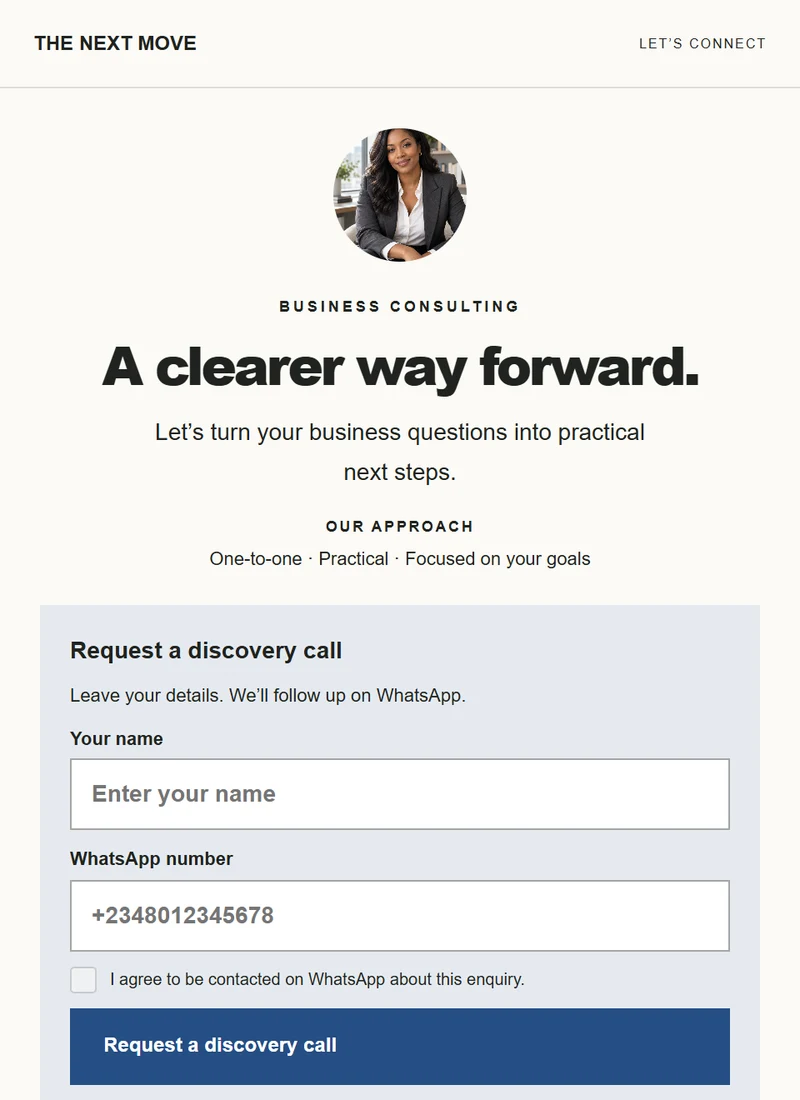
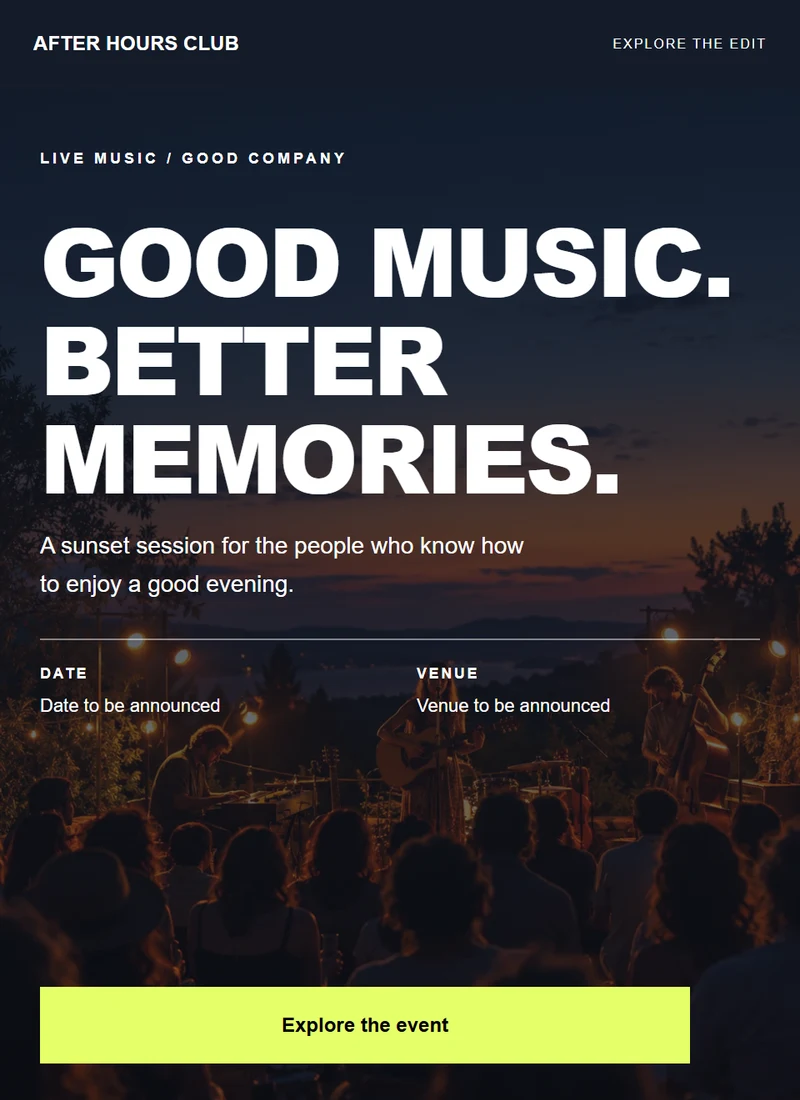
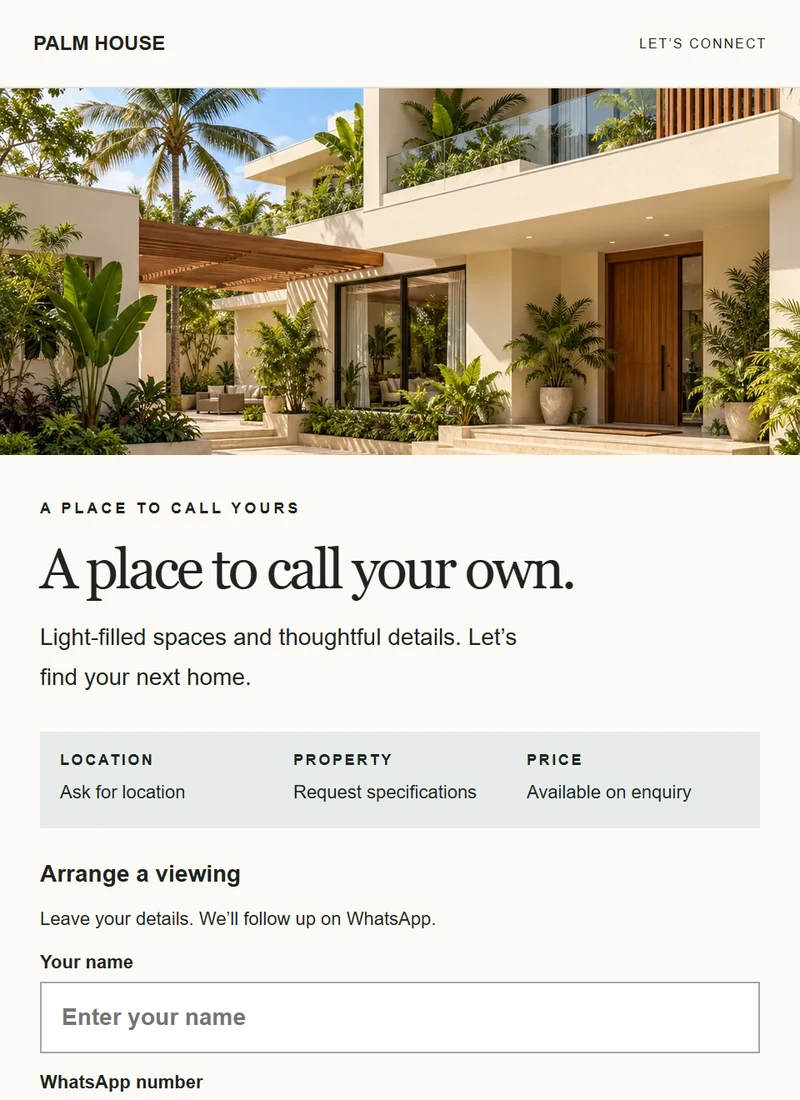
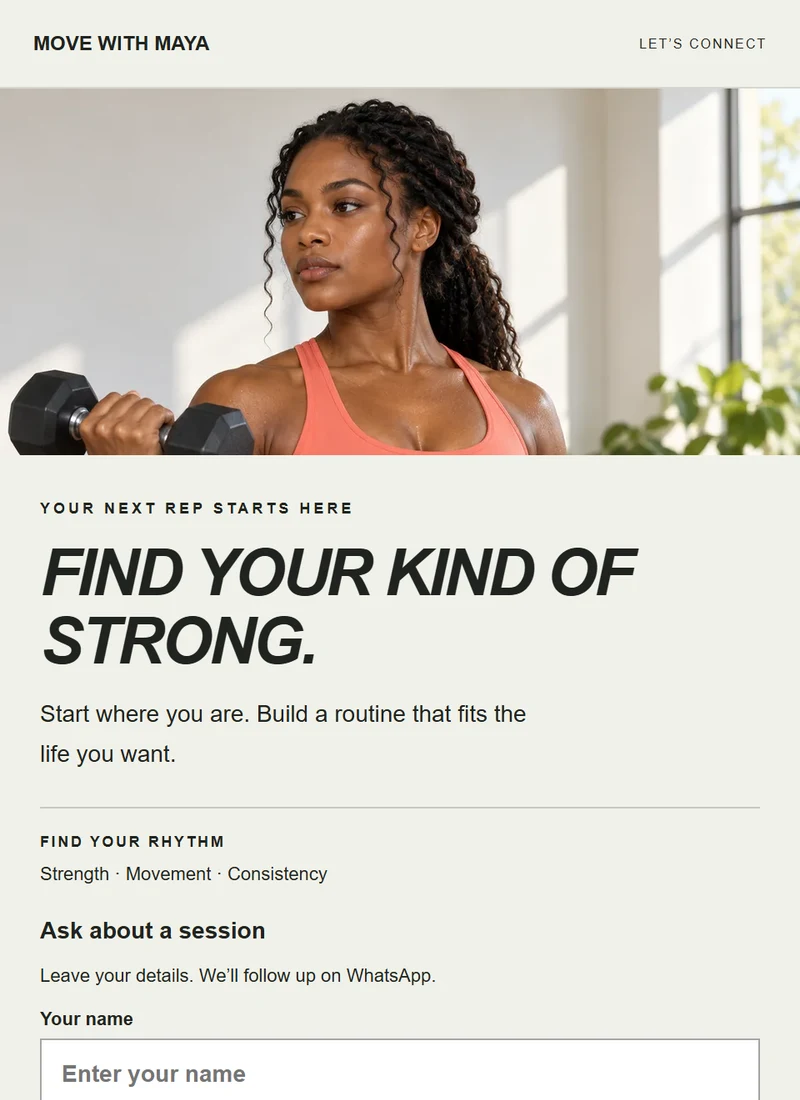
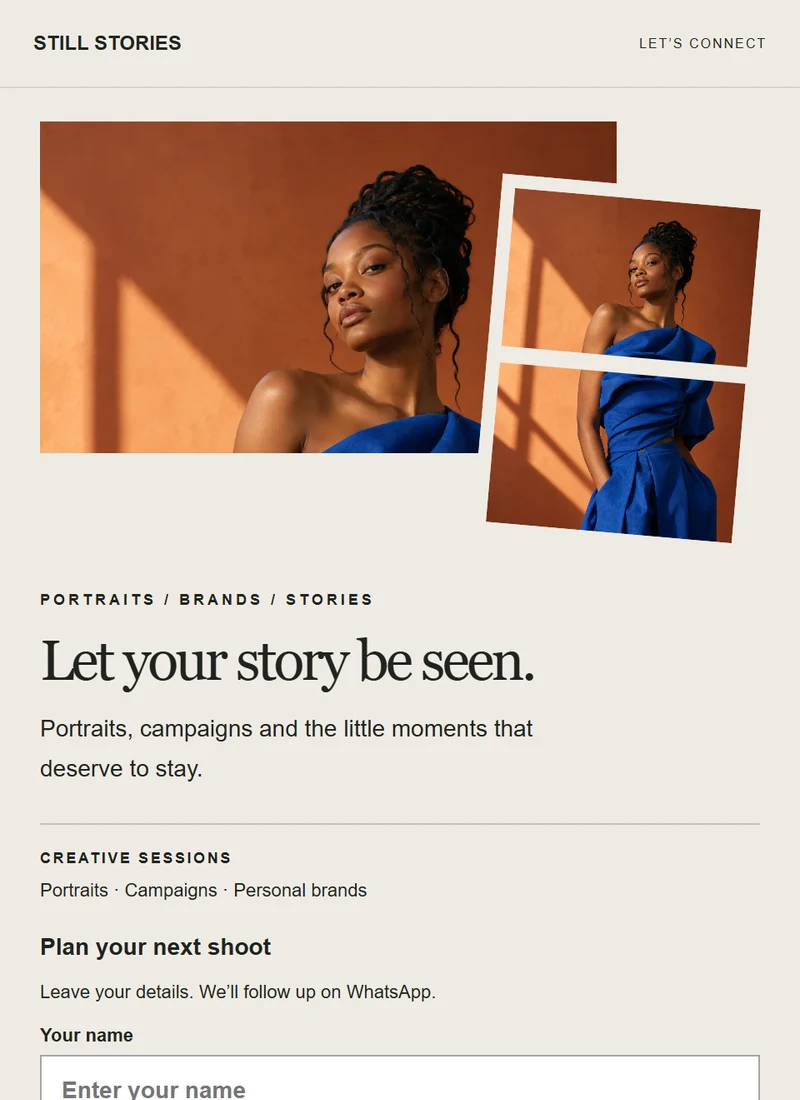
Swipe to explore · Illustrative brands, built with real MyTikLink templates
1 / 10Pick a design, change the words, add your pictures and make it yours. No coding needed.
Collect visitor details, then send them to your chosen link or WhatsApp.
Share your page in your bio, your status, your messages or wherever your customers find you.
If your words and pictures are ready, you can put a first draft together in minutes. Take your time to make it yours.
Okay, let’s startRegister on MyTikLink.
Set up your account and upgrade to Pro.
Pick a landing-page design you like.
Add your content and destination. Publish. That’s it.
No. Choose a template and use the editor to change your content, pictures and design.
Yes. Publishing your landing page requires eligible Pro access. You’ll see the current price and payment options before paying.
Yes. Use your own words and pictures. For a form page, choose where visitors go after their details are saved.
The landing-page examples are illustrative brands showing what the actual templates can look like. Your page will use your own content.
Choose your design. Add your story. Give people a reason to click.
Register on MyTikLink